A notebook for hands-on electronics
Arduino Playground brings board profiles, component documentation and runnable sketches into one organized collection. It treats the hardware and the code as linked parts of an experiment: board profiles describe the platform, component profiles explain connected devices, and sketches show where those parts are used.
The documented boards include the Mega 2560 Rev3, UNO R4 WiFi, UNO R4 Minima and an UNO R3-compatible CH340 board. The repository distinguishes their capabilities rather than assuming that similarly shaped boards have the same processor, peripherals or electrical behavior.
Experiments in the collection
- SOS blinking examples for several board families.
- LED-matrix animation and scrolling-text experiments on the UNO R4 WiFi.
- A browser-controlled wireless message board and a connection-status display.
- Temperature measurement with periodic payload submission to the companion server.
- A character-display demonstration using an LCD1602 and I2C backpack.
Components with context
The component catalog includes an ultrasonic distance module, an RFID reader, an LCD display and a set of identified sensor and interface modules. Profiles record identification, interfaces, supply considerations, references and links to the sketches that use them.
Those distinctions matter in practice: a component's connection method and voltage requirements belong to the specific profile and experiment. This overview deliberately does not reproduce pin-by-pin instructions or imply that one wiring arrangement applies across all boards.
An organization that can grow
Boards and sketches share stable board identifiers, while components have their own identifiers and cross-links. Each sketch lives in a folder matching its primary .ino filename, keeping it compatible with the normal Arduino IDE workflow.
New experiments can therefore extend an existing board family without making the component catalog harder to navigate. Dependencies, connections and board-specific notes remain close to the individual example rather than being hidden in a single global setup guide.
Beyond the microcontroller
The repository also includes a Docker Compose-based server for REST payloads and an activity dashboard. That adds a small software endpoint to experiments that send measurements off the device, connecting embedded sketches to a broader data workflow.
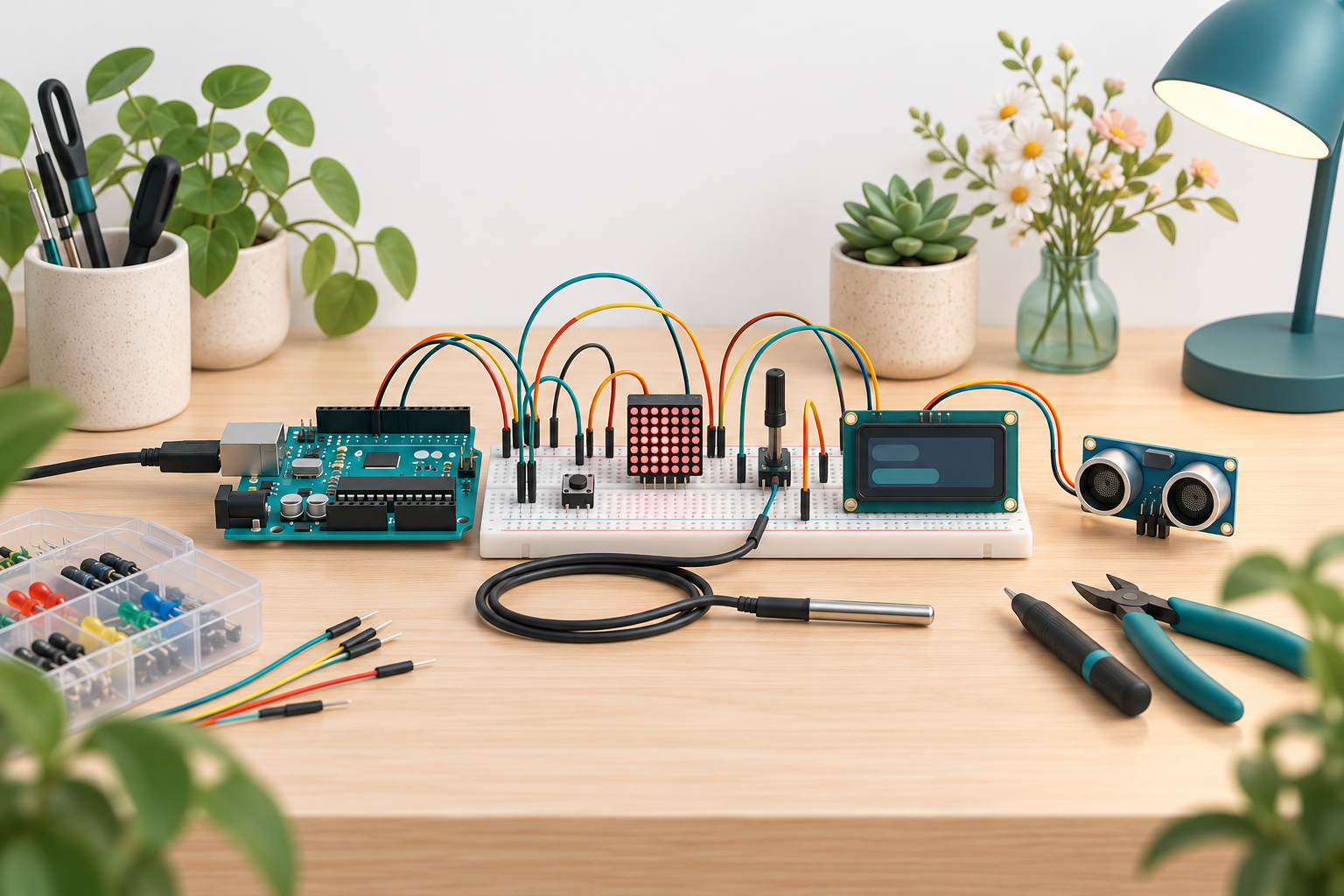
Wireless credentials and deployment-specific addresses must be supplied through the experiment's private configuration and are not included in this description. The featured artwork is an illustrative electronics scene, not a verified wiring diagram or a photograph of a particular assembled experiment.
Explore the repository
Read the source code and project documentation for the latest implementation details and setup instructions. This description is based on the public repository reviewed on October 29, 2026.