
Turn a shadow into a playground
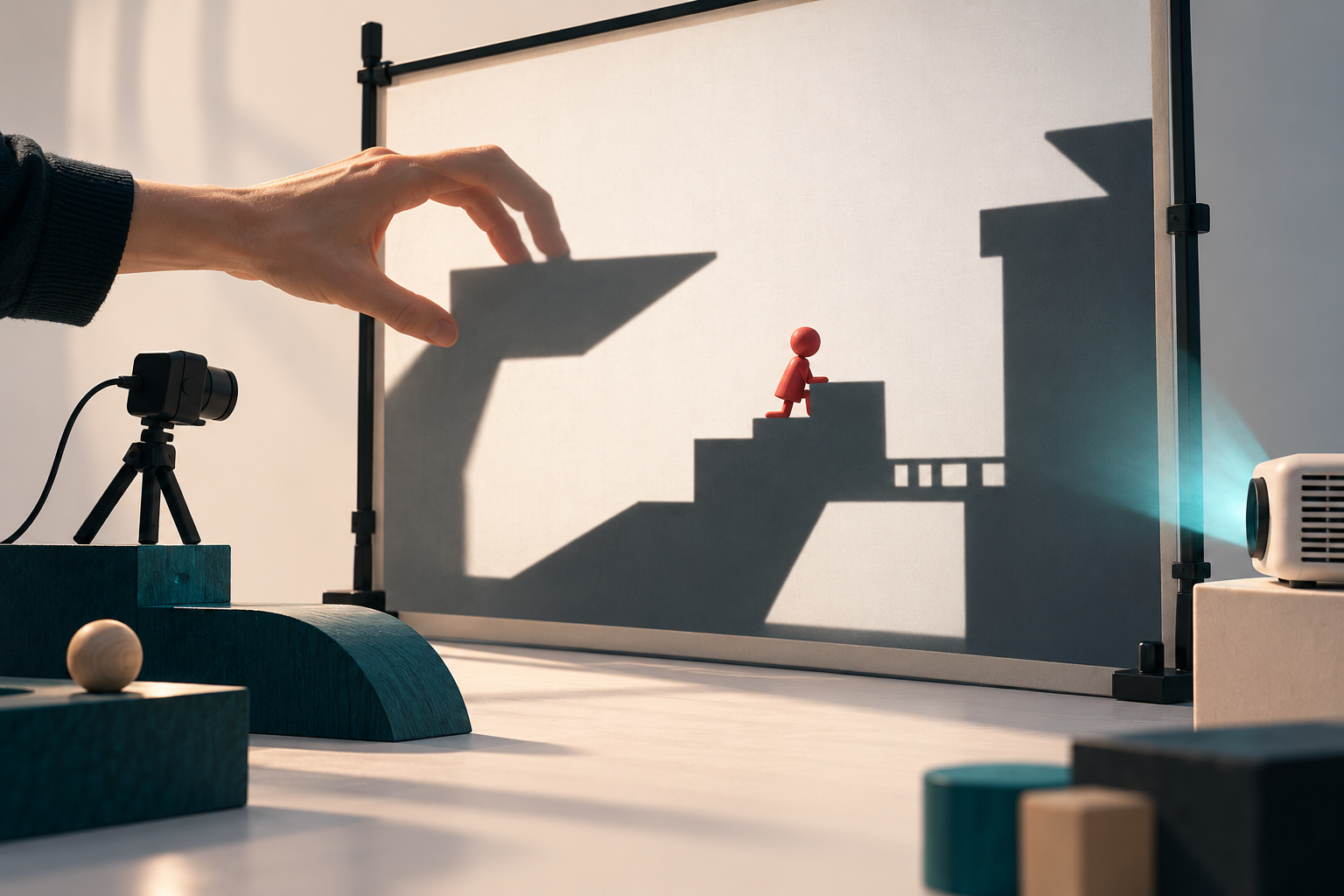
BoxedMan connects a physical space with a small simulated world. A projector displays a white surface inhabited by an autonomous red peg-like character, while a webcam observes shadows and silhouettes cast onto that surface.
The detected shapes become solid 2D collision objects. Hands, bodies or pieces of cardboard can therefore change the terrain that the character walks on, climbs and jumps from. The installation makes interaction tangible: instead of controlling the character directly, participants reshape the space around it.
Vision, physics and projection
OpenCV handles the camera-side geometry and image processing, including four-point perspective correction, adaptive shadow extraction and polygon approximation. Pymunk supplies segment and polygon collisions and raycasts for the simulated world.
The projection display is rendered with Pygame-ce. A separate PySide6 control panel exposes the live camera image, shadow mask, calibration tools and runtime parameters, keeping the projected scene free of operator controls.
Setting up the interaction
Calibration maps the camera view to the projected surface by selecting its four corners. That mapping updates the relationship between physical shadows and the simulated terrain, and the configuration is saved for reuse.
The operator can adjust controls such as the shadow threshold, noise filtering and walking speed. The application opens a control window and a clean projection window, which can be moved to the projector or switched to fullscreen.
Development without the full installation
- A simulation mode allows shapes to be drawn with the mouse without connecting a camera.
- A no-GUI mode runs the projection display without the control panel.
- A camera-selection option supports setups with multiple attached webcams.
- Windows and Linux build scripts use PyInstaller to produce standalone application bundles.
A bridge between code and physical play
The documented targets include Windows 10/11, Ubuntu and Linux Mint. Running from source uses a Python environment and the repository's dependency list; the full physical experience additionally depends on camera placement, projection geometry and suitable lighting.
BoxedMan is an example of combining computer vision, a 2D physics engine and a desktop interface into an approachable interactive-art experiment. The featured image is a conceptual illustration of the interaction, not a photograph of an installed system.
Explore the repository
Read the source code and project documentation for the latest implementation details and setup instructions. This description is based on the public repository reviewed on October 29, 2026.