Capture the right part of a page
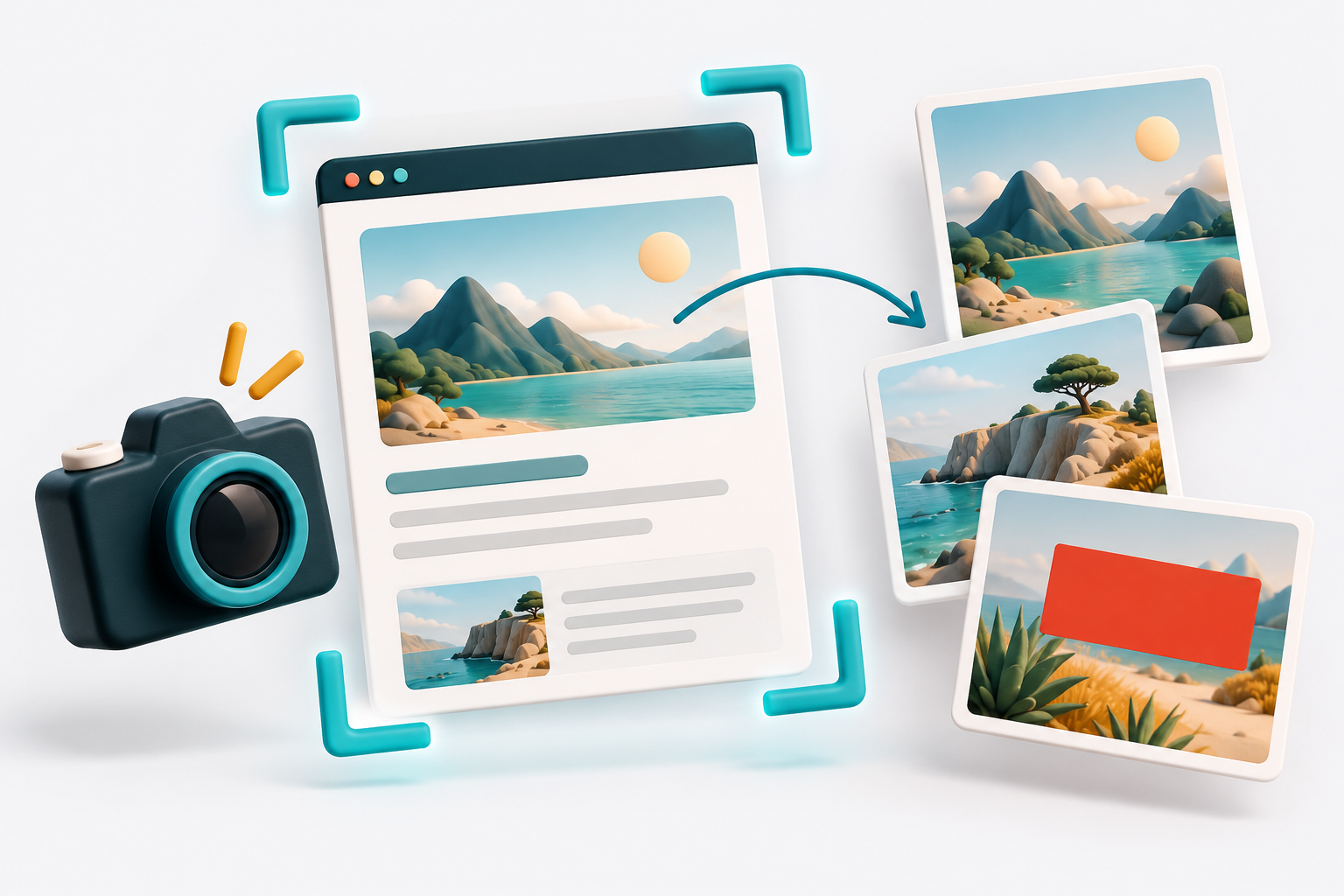
Website Screenshot Pro offers several routes from a web page to a shareable image: the visible viewport, a selected region, a chosen page element or a stitched full-page capture. A short delay can help capture transient interface states.
Annotate before sharing
- Editable arrows, shapes, text, highlights and step markers.
- Undo and redo, canvas zoom and object selection.
- Pixelation, blur and opaque covering tools for sensitive regions.
- Padding, rounded corners, shadows and configurable backgrounds.
- PNG, JPEG and WebP exports plus clipboard copying.
A dedicated editing surface
The Manifest V3 extension opens a separate Fabric.js-based editor, keeping annotations movable and adjustable during editing. English and Danish interface choices are documented. Covering or blurring a region is an editing aid; users should inspect the final exported image before sharing sensitive captures. The featured illustration shows generic page capture and contains no actual website screenshot.
Project notes
This overview was prepared from a private project repository reviewed on October 29, 2026. Source access remains private; credentials, internal endpoints and confidential implementation details are not included.